Starting an internet radio station is easier than it has ever been. You do not need a licence to a frequency, a transmitter or a studio building. You need an idea, some audio, a place to send it and a way for people to find it. This guide walks through each of those in the order you will meet them.
1. Decide who the station is for
The stations that last are specific. “All the hits” competes with every streaming app on the planet. “Late-night Balkan folk and field recordings” competes with almost nobody. Write one sentence that completes “My station is for people who…” and keep it somewhere visible. Every show, jingle and playlist decision gets easier once that sentence exists.
2. Choose how you will broadcast
There are two ways to put audio on the air, and most stations use both.
- Live. You or your presenters connect through broadcasting software, speak into a microphone and play tracks in real time. Free tools such as Mixxx and BUTT work well. See our guides for Mixxx and BUTT.
- Automated. Your host plays a library of music, shows and jingles on a schedule, around the clock, with nobody at the desk. That is what an AutoDJ does, and it is why a small station can sound like it never sleeps. Read radio automation explained for the detail.
3. Gather your equipment
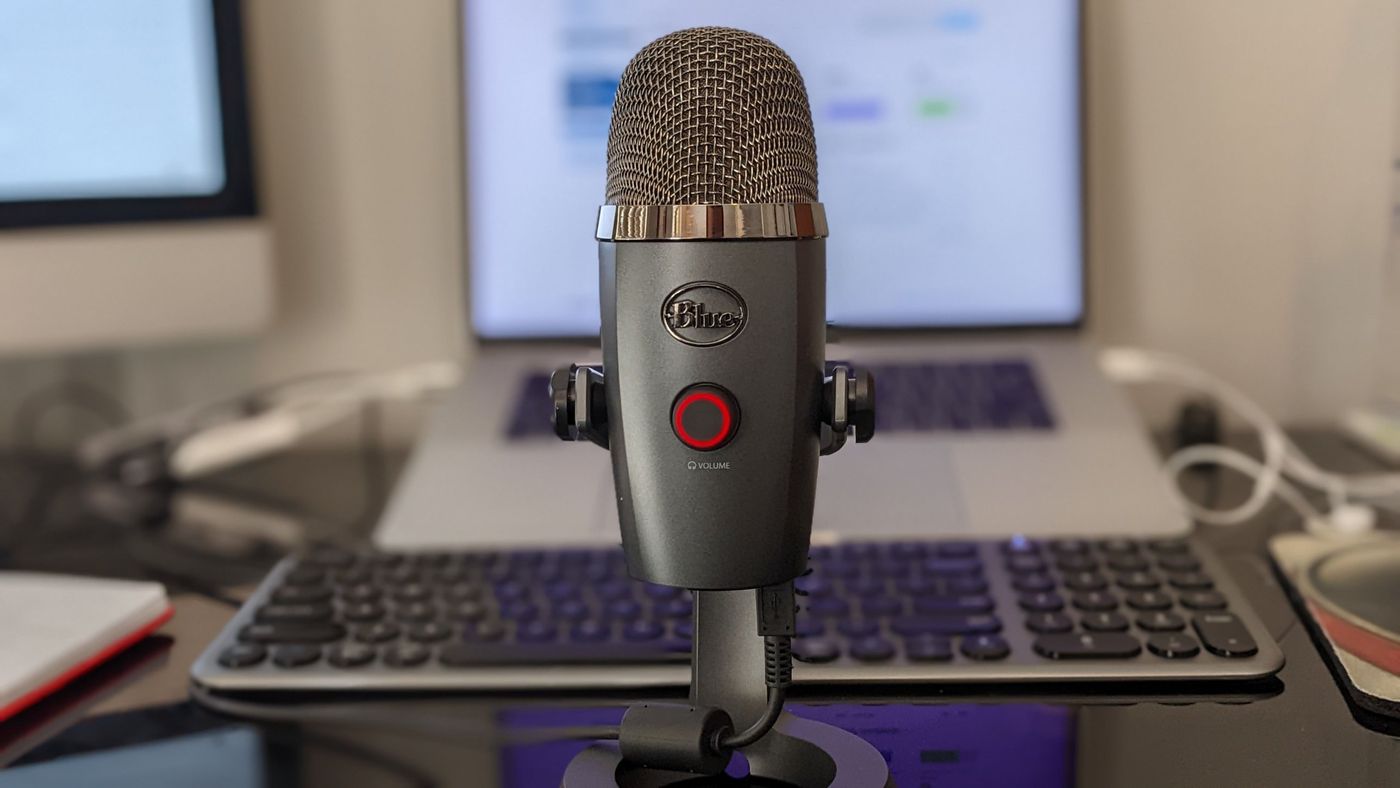
You can begin with very little. A laptop, a decent USB microphone and closed-back headphones will take you a long way. Add a mixer or audio interface when you want to bring in several sources, and treat the room before you spend more on microphones: soft furnishings, a rug and a bookshelf do more for your sound than a pricier mic in an echoing room.
4. Pick a streaming host
Your host runs the server that sends your audio to every listener. Look for a control panel you can actually use, a network that will hold up when your audience grows, clear information about what happens when you outgrow a plan, and a helpdesk that answers. Our plans include the MediaCP control panel, a radio page for your listeners and embeddable widgets on every plan.
5. Build a library and a schedule
Upload more music than you think you need, tag it properly, and sort it into categories you can schedule from, such as daytime, evening, new releases and classics. Then lay out a weekly schedule so listeners know what to expect and when. Consistency is a feature: people come back to stations that show up on time. Here is how to schedule a show.
6. Give it a face
You need a name, a logo, a short description and somewhere to send people. A Citrus3 radio page gives your listeners a link they can open on any device, and a widget lets you put the player on a site you already have.
7. Go live, then tell people
Do a private test first: connect, check levels, listen on a phone over mobile data, and fix whatever sounds off. Then launch properly and tell everyone you know. We look at the next stage in how to grow your radio audience.
Mistakes to avoid
- Launching with an hour of music on repeat. Build the library first.
- Ignoring loudness. Tracks at wildly different volumes make people leave.
- Changing the schedule constantly. Pick a pattern and hold it for a few weeks.
- Waiting for perfect. A good station on air beats a perfect one in your head.